

SattvaHR™
Streamline Your Workforce
LoadingStreamline Your Workforce
LoadingStreamline Your Workforce
LoadingManaging company finances can often feel complex — but not anymore!
With SattvaHR’s Expense Management module, you can easily record, track, and manage every income, expense, and internal transaction all in one place.
It’s designed to give HR and Admin teams complete financial clarity, ensuring every transaction is documented, organized, and transparent.

Seven finance screens that replace the spreadsheet.
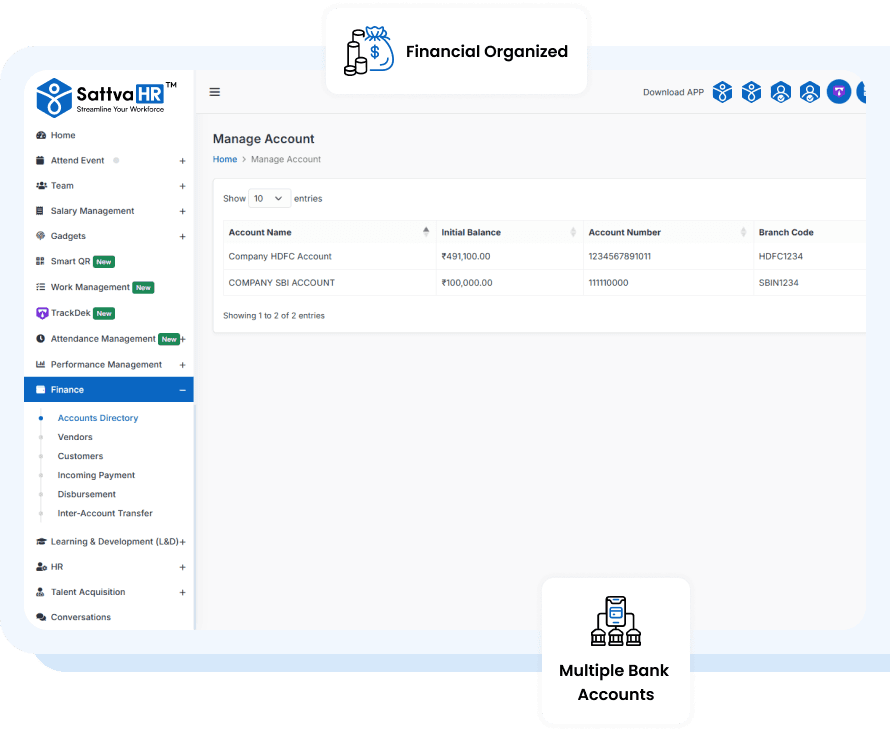
Under the Finance feature, you’ll find the Account Directory, where you can securely manage one or multiple bank accounts.
Add essential details such as Account Name, Initial Balance, Account Number, Branch Code, and Bank Branch — ensuring every account is properly documented.
This helps maintain financial accuracy and gives you a clear view of your company’s total financial strength at any time.
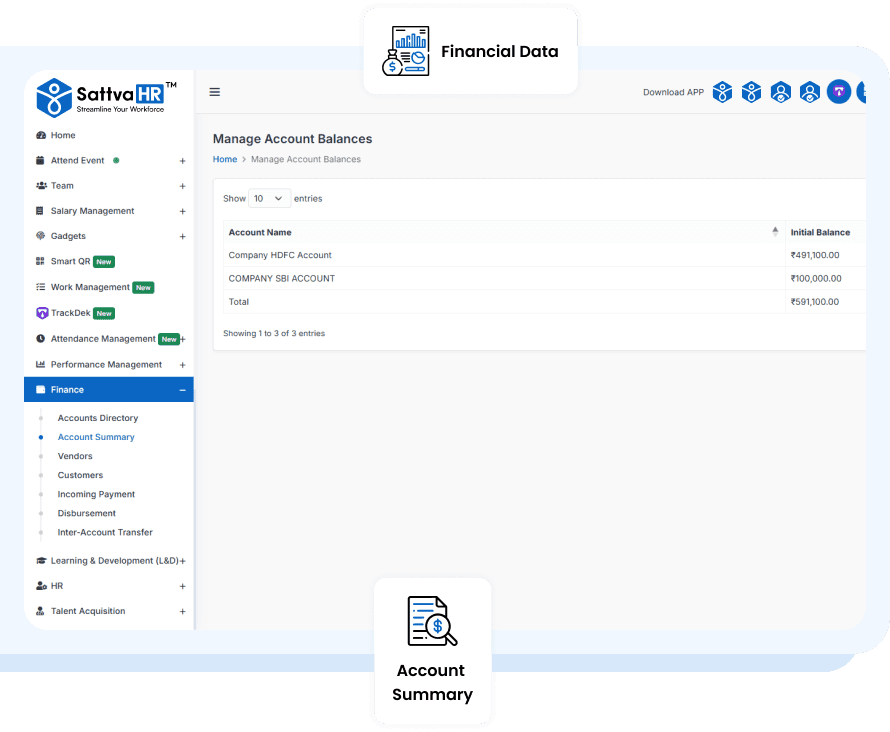
No more digging through spreadsheets or reports!
The Account Summary instantly shows the total balance of all accounts, along with the initial balance of each individual account.
This quick overview helps HR and finance teams stay updated with real-time financial data, making it easier to plan, allocate, and manage resources efficiently.
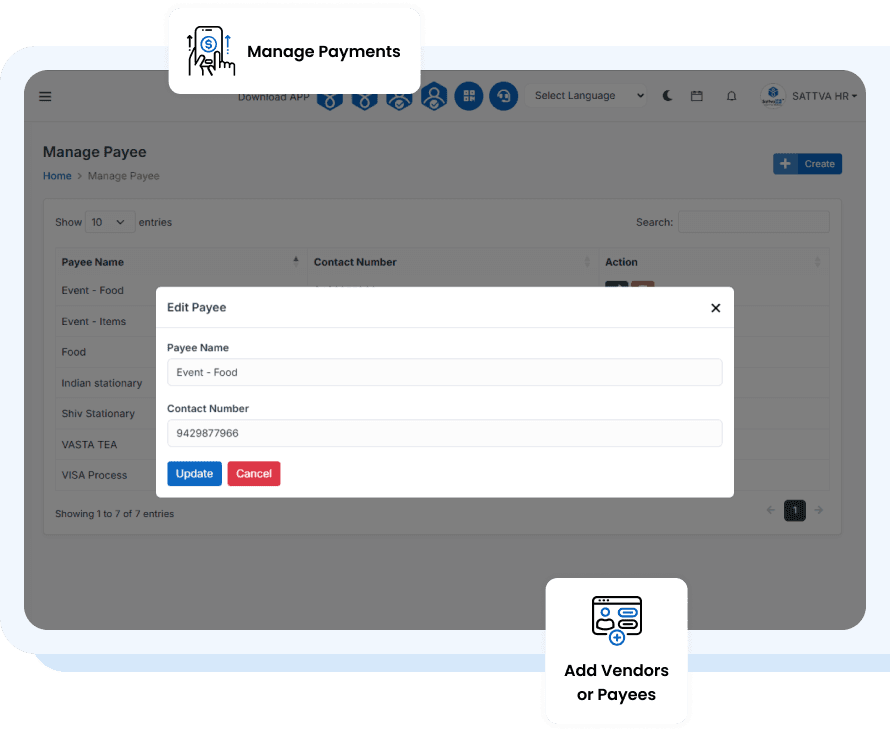
Easily add and maintain a directory of your Vendors or Payees.
Include details like Name, Contact Number, and Payment Information so you can quickly track every outgoing transaction.
This ensures smoother vendor communication, accurate record-keeping, and a complete picture of your organization’s payment history.
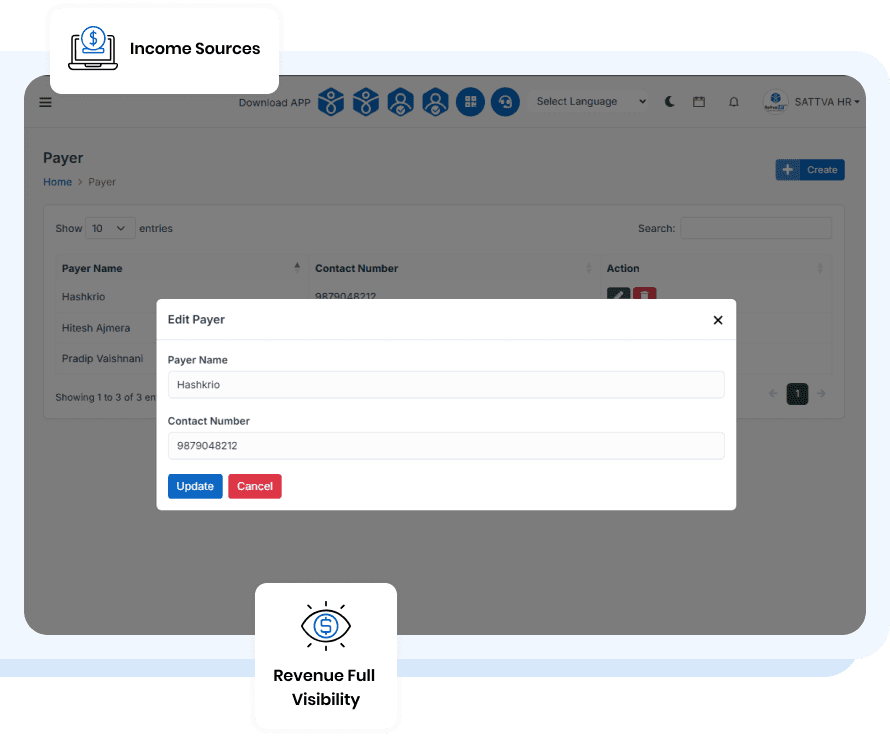
Stay informed about your company’s income sources by adding details of your customers or Payers.
Record information such as Customer Name, Contact Number, and Transaction History to easily identify from whom and when you received payments.
This feature ensures full visibility into your organization’s revenue flow without needing separate tracking sheets.
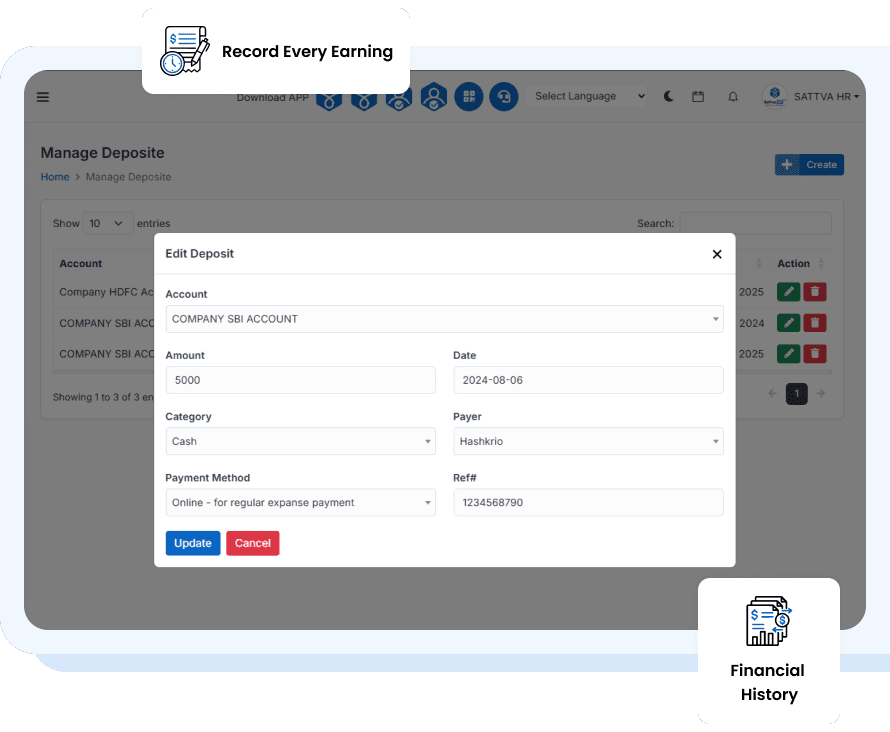
Keep your income organized and transparent!
In the Incoming Payment section, record important details like Account Name, Amount, Date, Category, Payer Details, Payment Method, Reference Number, and Description.
This makes it easy to monitor all payments received, helping HR and Admin staff maintain a complete financial history with zero confusion.
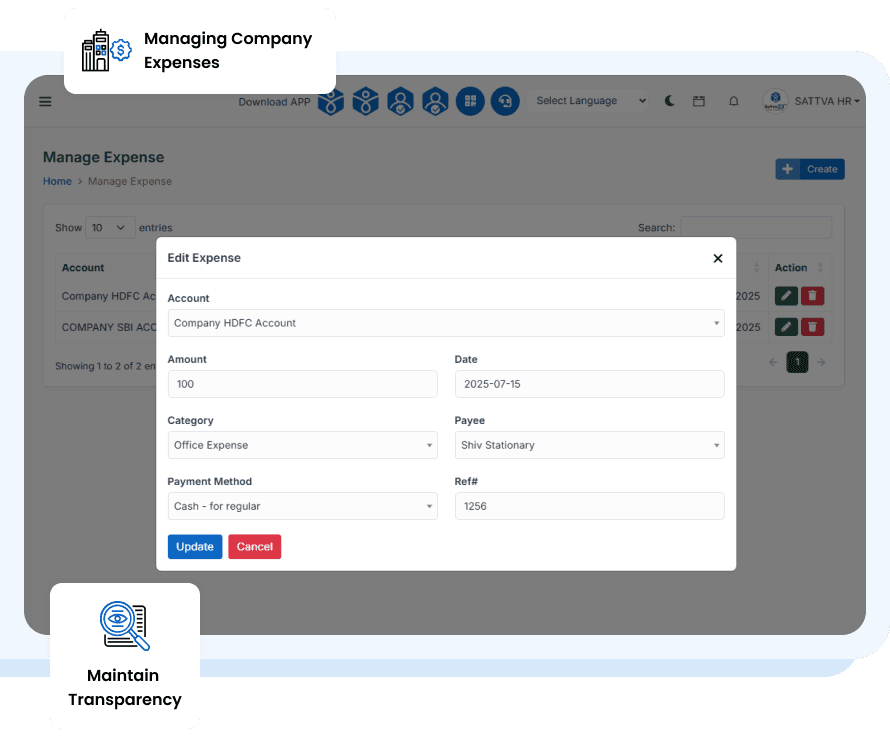
Managing company expenses has never been easier.
The Disbursement or Expense section allows you to log all outgoing payments with key details such as Source Account, Amount, Date, Category, Payee Details, Payment Method, and Reference.
This not only helps maintain transparency but also provides real-time insights into where and how your company funds are being utilized.
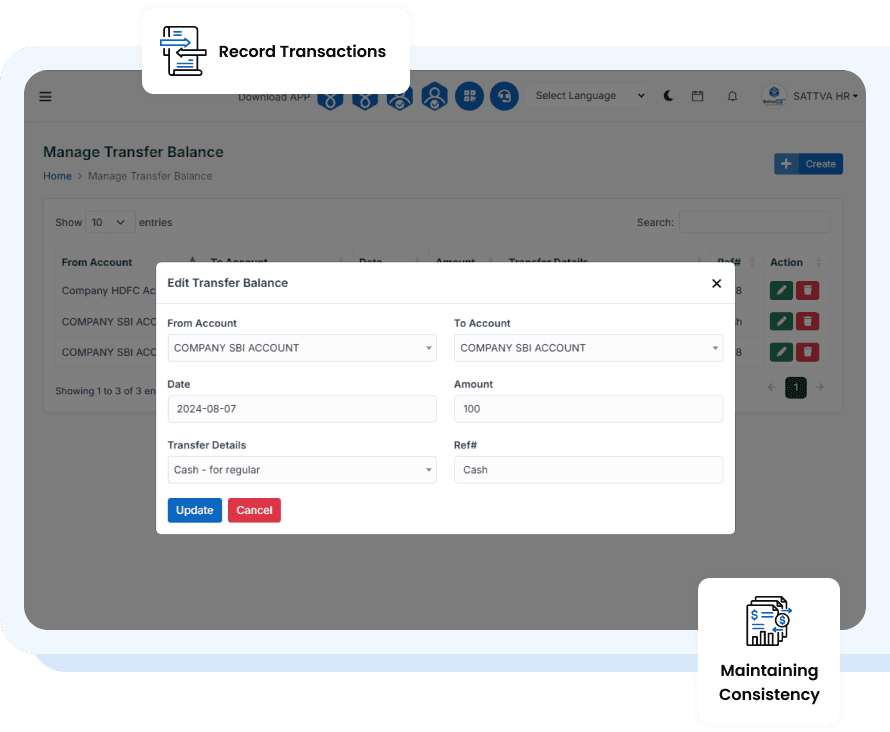
Have multiple accounts? No problem!
The Inner-Account Transfer feature lets you record transactions between your company’s own accounts with complete details such as Transfer From, Transfer To, Date, Amount, Method, and Reference.
It ensures every internal balance movement is properly tracked, maintaining consistency across all financial records.

With SattvaHR’s Expense Management module, HR and Admin teams can say goodbye to scattered records and manual tracking.
Manage all your financial details in one secure, user-friendly platform — making every transaction traceable, transparent, and just a click away!

Full access to every feature. No credit card, no setup fees — upgrade only when you're ready.


